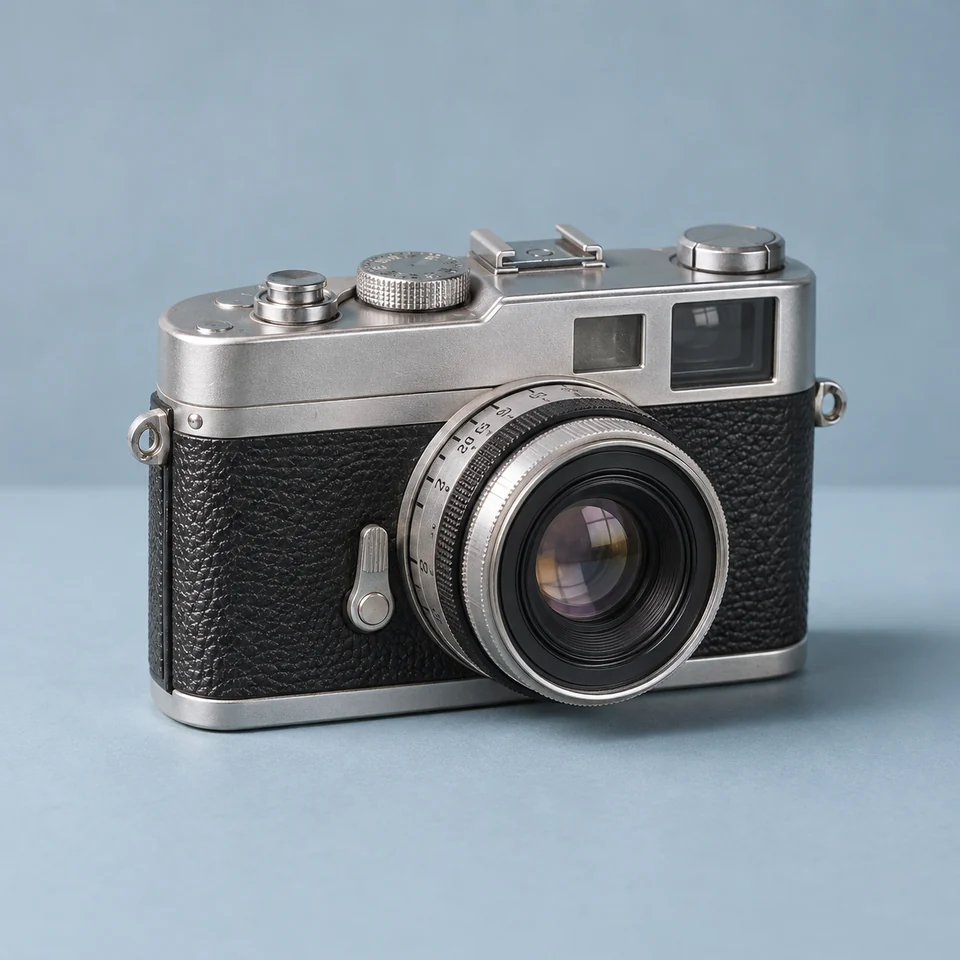
Convert HEIC to JPG
Turn an iPhone HEIC or HEIF photo into a JPEG for your shop or a second-hand advert.
Prepare a catalogue photo or a second-hand listing. Remove the background, choose a new colour or turn an iPhone photo into a JPEG ready to upload.
Open editor

Turn an iPhone HEIC or HEIF photo into a JPEG for your shop or a second-hand advert.
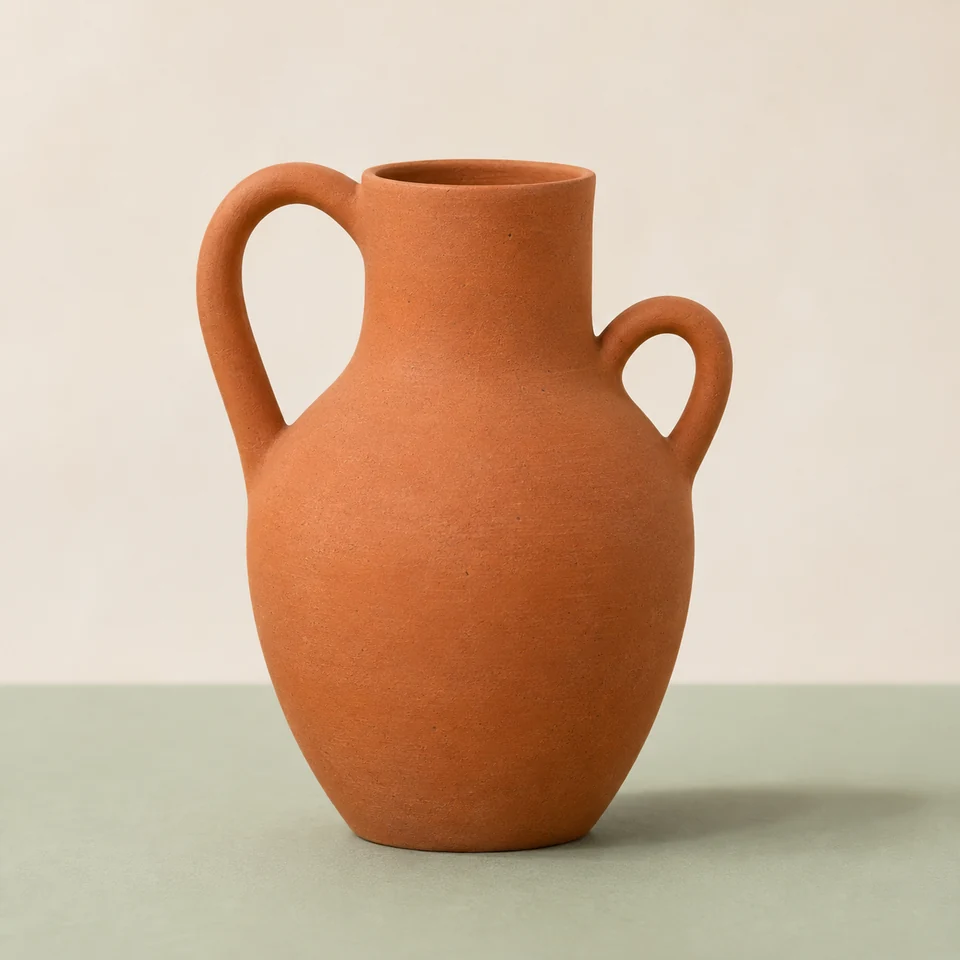
Convert JPEG, PNG and WebP images for a shop catalogue or website.
Use on-device AI to remove the background from a catalogue photo, then choose a colour or leave it transparent.

Draw around an object by hand for a product photograph or a second-hand listing.
Yes. You can edit and download photos without an account or subscription.
Your browser processes the image on your device. Your original stays with you.